Countries and regions
Use denylist mode to block selected markets or allowlist mode to serve only approved locations.
Allow or block visitors by country and region, add precise network rules, and optionally enforce protection at the Cloudflare edge.
 Country Shield
Protection Active
Country Shield
Protection Active
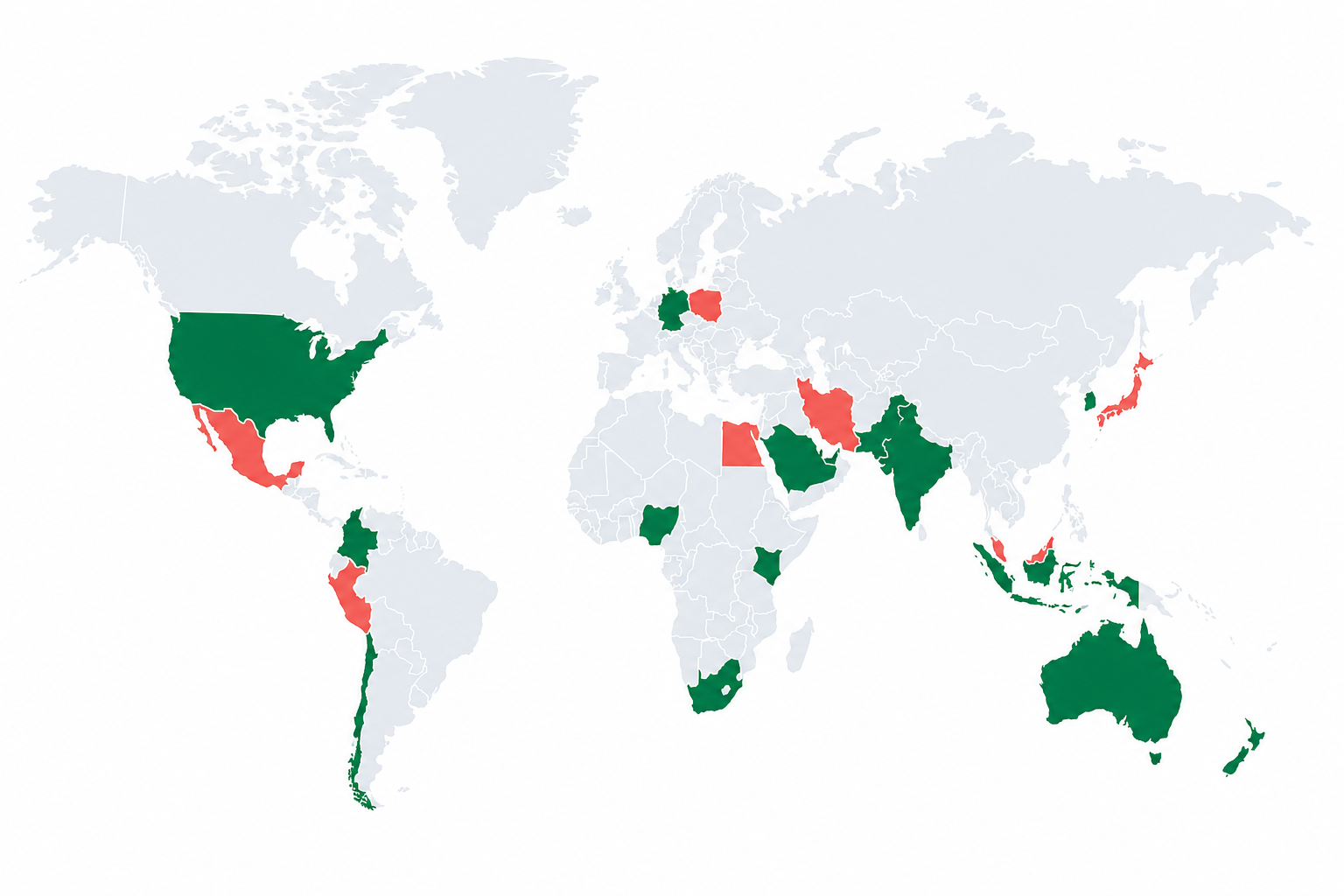
Start with straightforward geography rules. Add network and edge controls only when your storefront needs them.
Use denylist mode to block selected markets or allowlist mode to serve only approved locations.
Premium controls can act on anonymous and hosting-provider traffic when the licensed threat database is connected.
Target known networks and IP or CIDR ranges without maintaining fragile storefront code.
Premium stores can mirror supported Country Shield rules to Cloudflare for earlier enforcement.
A small, inspectable decision path keeps the merchant policy clear.
A storefront page or checkout path requests a decision.
Country Shield checks permitted location and network signals against the saved rules.
Confirmed search crawlers bypass merchant block rules before enforcement.
Country Shield allows, blocks, redirects, or challenges according to the plan and policy.
The embedded app guides merchants through rules, extension activation, and a safe first test.
Authorize Country Shield and open the embedded merchant admin.
Select denylist or allowlist mode, countries, scope, and a supported action.
Turn on the theme app extension, preview a decision, and verify the live storefront.
Paid plans include a 7-day trial. All charges appear on the merchant's Shopify invoice.
Essential controls for a smaller storefront or initial evaluation.
Flexible geographic protection for a growing Shopify store.
Advanced network and edge controls for higher-risk traffic.
Read the most common answers or open the complete merchant guide.
Country Shield uses a cache-friendly storefront check. Allowed traffic is released immediately after the decision, and strict mode is optional so merchants can choose the visual tradeoff.
Verified search crawlers are allowed before merchant rules are evaluated. Merchants should still test high-impact allowlist rules before launching them.
Yes. The embedded app includes a decision preview. Start with a small denylist, enable the app embed, and verify the storefront before using allowlist or strict mode.
Country Shield stores shop configuration and aggregate protection counts by hour, country, reason, and action. It does not create customer profiles.
In Shopify, open Online Store → Themes → Customize → App embeds, enable Country Shield, and save. The user guide includes the complete sequence.
Install Country Shield from its Shopify App Store listing. Shopify handles authorization, plan approval, and opening the embedded app in your admin.